Back to Insights
7 Common Drupal Development Problems and How We Solve Them
Drupal is built for websites and applications with complex content structures, integrations, and workflows. As these platforms grow, upgrades, new modules and changes across environments can sometimes create unexpected issues. Having worked on Drupal projects across different versions and requirements, our team has come across many of these situations. Here are seven common Drupal development problems we see and how we usually approach them.
Drupal Core Upgrade and Compatibility Issues
Drupal core upgrades can sometimes create compatibility issues with contributed modules, themes and existing configurations. With many Drupal sites now moving from Drupal 10 to Drupal 11, compatibility has become an important consideration. We’ve covered the upcoming December 2026 support deadline and what organisations need to know in our <2026 upgrade guide.
We usually start by checking Composer dependencies and compatibility with the target Drupal version. If an issue comes up, we review the exact error in the Drupal and PHP logs, make the required changes locally, run database updates and rebuild the cache. We test everything before moving changes to the development environment.
For example, a contributed module that works on Drupal 10 may need an update before the site can move to Drupal 11. Checking this before the upgrade can prevent problems later.
Composer and Module Dependency Conflicts
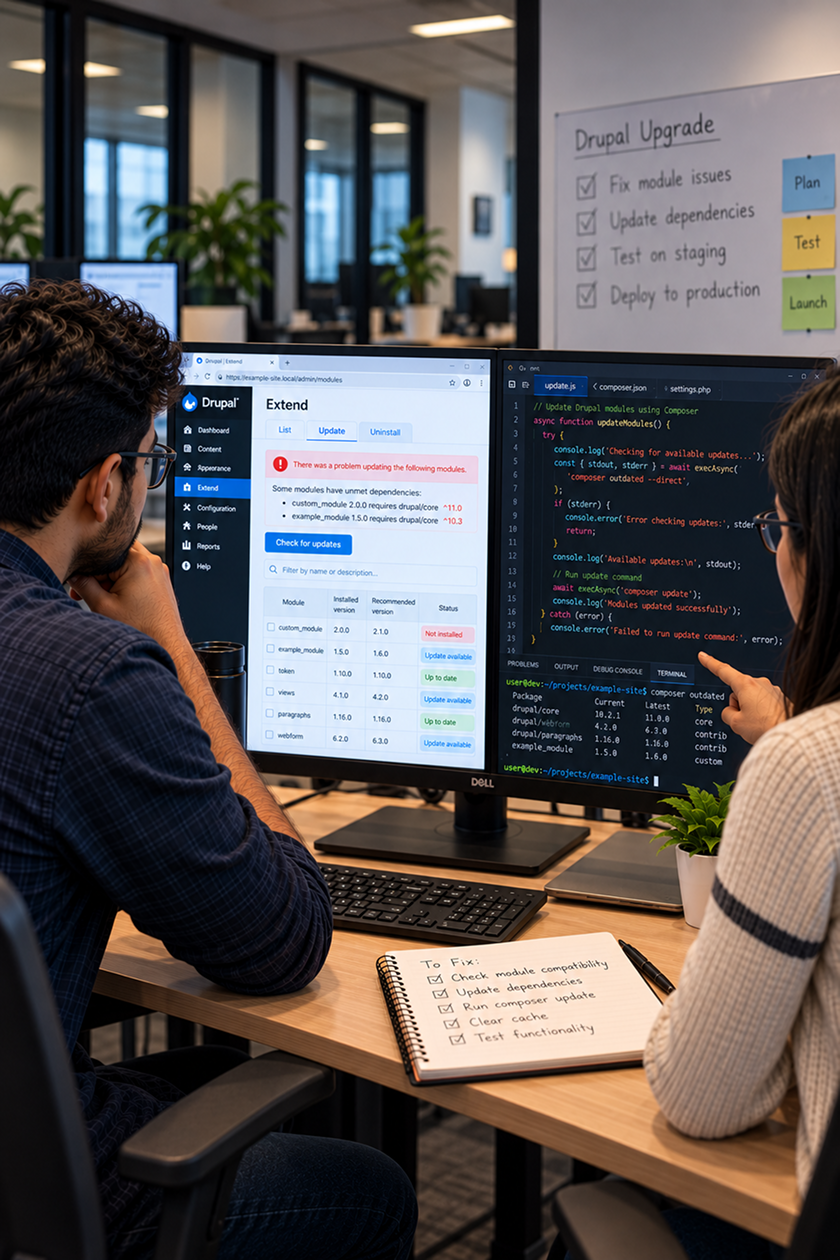
A contributed module may stop working or fail to update. This can happen if another module, library, or package is missing. It may also require a different version. We start by checking the module version, its Drupal compatibility and Composer requirements. We also review the module configuration and dependencies to understand where the conflict is coming from.
Modules like CKEditor, S3FS, Memcache, and analytics tools may need extra attention after core or dependency updates. Instead of updating packages individually, we first identify which dependency is creating the conflict and then decide what needs to change.
Database Schema Mismatch After Drupal Updates
After a Drupal core or module update, the application may expect a database table or column that is missing. This can result in SQL errors even though the code update itself appears to have completed successfully.
We use the error message to identify the missing table or column and check which core or module update it relates to. We then run the required database updates, verify the database schema and test the site again.
For example, an updated module may expect a new database column that has not yet been created. In this case, completing the required database update can bring the application and database back in sync.
HTTP 500 and Unexpected Drupal Errors
A Drupal site may show a generic HTTP 500 error after an upgrade, code change, or config update. It may not explain what went wrong. In these situations, we check Drupal logs, PHP errors, Drush output and recent code or configuration changes. This helps us trace the issue to its source. It also helps us see if it comes from custom code, a module, settings, or another part of the app.
The error displayed in the browser is often only the starting point. The logs usually provide the information needed to understand what is actually happening.
Configuration Import and Export Problems
Configuration may work well locally, but it can cause unexpected behaviour in dev, QA, or production. When this happens, we compare the configuration between environments and review the related modules, services and dependencies.
Once the problematic configuration has been identified, we make the necessary changes and test the configuration import again. We then rebuild the Drupal cache and check the affected functionality in the target environment.
For example, a configuration import may fail. This can happen if it depends on a module. The module may be enabled locally. It may not be enabled in the target environment. Checking those dependencies can often point to the issue quickly.
Drupal Works Locally but Fails on Dev or Production
A Drupal site can work well on a local setup but act differently when the same changes reach another environment. Differences in Drupal or PHP versions, Composer dependencies, database state, enabled modules, configuration, environment variables, permissions, or server settings can all be responsible.
This is also something to watch when working with Drupal 11. A developer’s local environment may meet the needs for the newer Drupal version. An existing dev or production environment may still need updates. We compare the environments and try to reproduce the issue locally wherever possible. Once the fix has been tested locally, we move it to the development environment and verify it again.
Search API and Solr Indexing Problems
Sometimes new or updated Drupal content does not appear in website search even though it has been published correctly. For Drupal sites using Search API and Solr, we review the Search API index and its fields. We also review processors and Solr settings to find where the issue occurs.
Depending on the issue, the affected content may need to be reindexed or the index rebuilt. We then test the search again to confirm that the content is appearing correctly.
For example, a new page may load by its direct URL.
But it may not appear in search results because it is not indexed correctly.
A Practical Approach to Drupal Troubleshooting
Drupal problems do not always come from the place they first appear. A module issue may be caused by a dependency. A problem that looks like code may relate to config or environment differences.
Our approach is to understand the error first by checking the logs, dependencies, configuration and environment. Once the actual cause is clear, it becomes much easier to decide what needs to be fixed.